The latest from PickCrest
Practical shopping advice and considered product discovery. New articles appear here after editorial review.
-
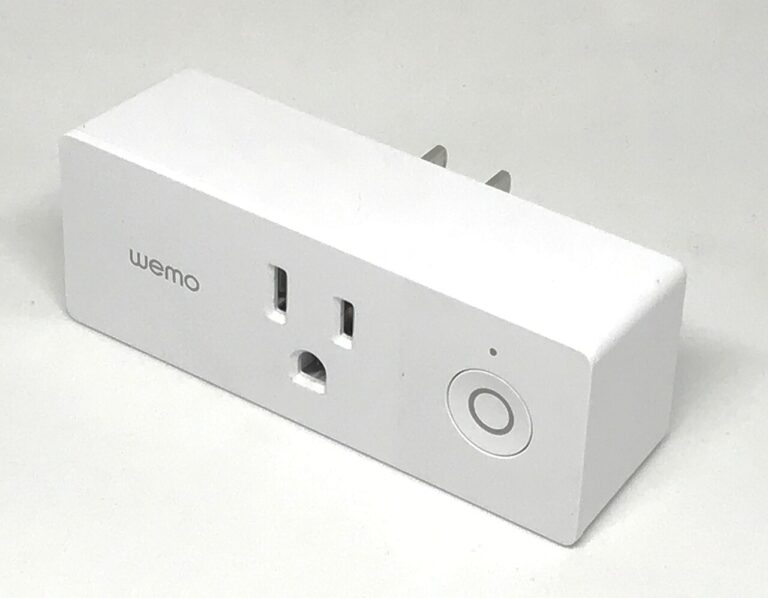
What to Check Before Buying a Matter Smart Plug
Check a Matter smart plug’s platform, network, physical fit, controls, and exact-use instructions before building a suitable on/off routine.
-
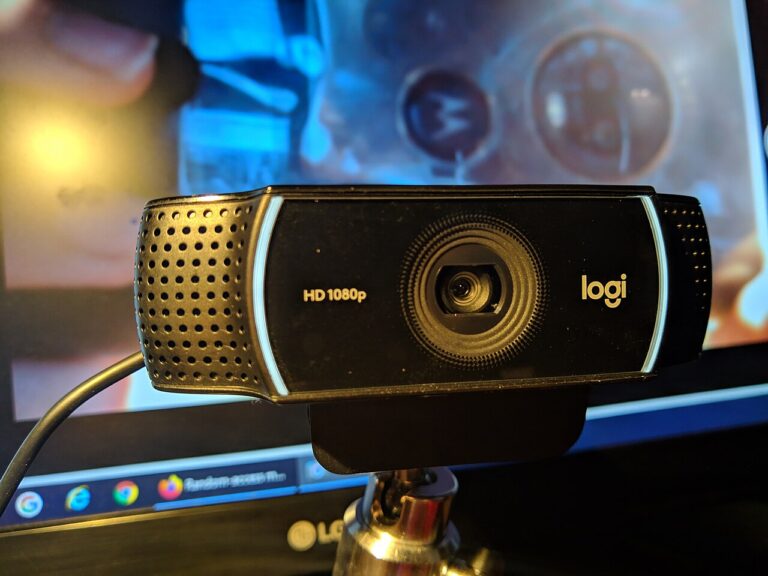
Webcam Buying Guide for Remote Meetings
Choose a webcam for remote meetings with practical checks for framing, mounting, resolution, lighting, microphone choice, privacy, and software.
-
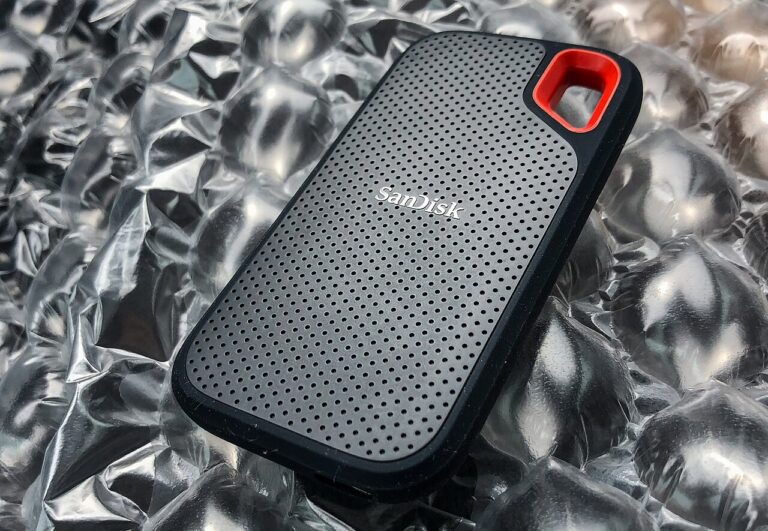
External SSD vs. USB Flash Drive for Everyday File Transfers
Compare an external SSD and USB flash drive for your file-transfer routine, including interfaces, device support, handling, privacy, and backup.
-
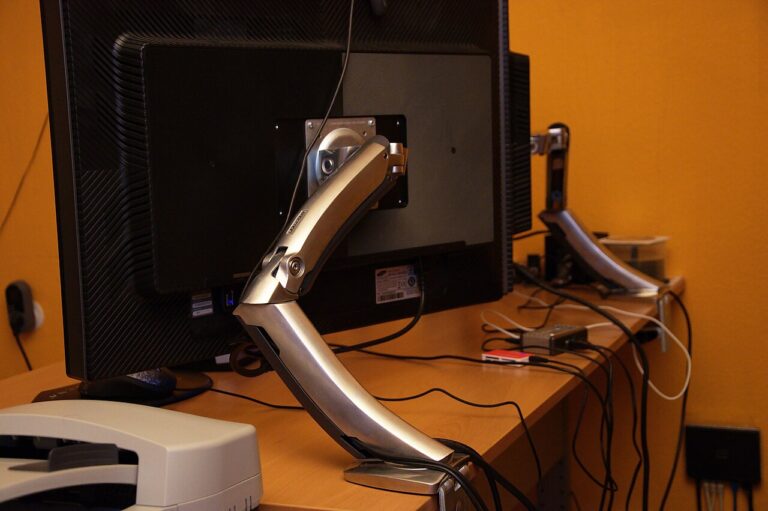
How to Choose a Monitor Arm That Actually Fits
Check monitor-arm fit using the display’s mounting pattern, weight, desk construction, clamp clearance, movement range, and cable slack.
-
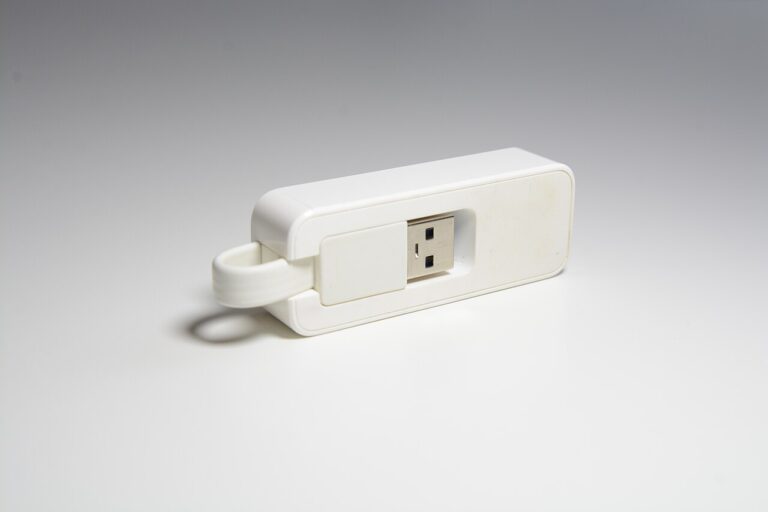
USB Ethernet Adapters: What to Check Before You Buy
Choose a USB Ethernet adapter by connector, operating-system support, network requirements, and cable routing, with verified Plugable examples.
-
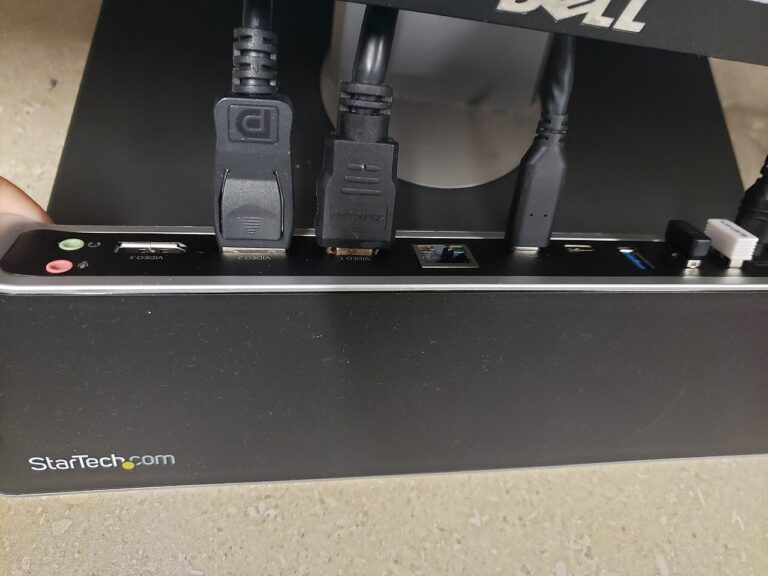
USB-C Hub vs. Docking Station: Which Fits Your Desk?
Compare hubs and docks by host support, display needs, driver requirements, laptop charging, desk space, and the connections you use together.
-

Bluetooth Speaker Buying Guide for Small Apartments
Choose a Bluetooth speaker for an apartment by comparing placement, inputs, model-specific pairing, physical controls, and charging convenience.
-
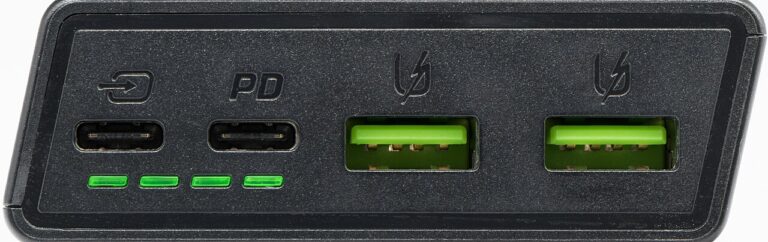
Power Banks for Air Travel: A Practical Buying Checklist
Plan a power-bank purchase for air travel with checks for marked capacity, current airline rules, device charging support, cables, and packing.
-
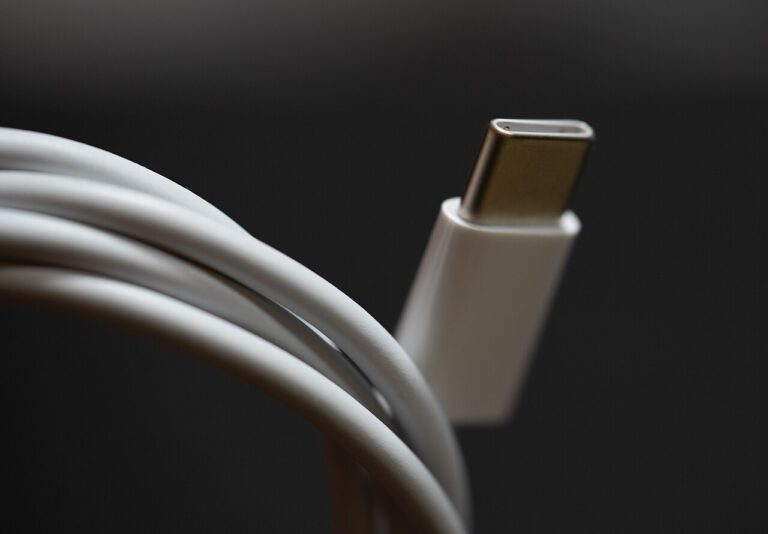
USB-C Cable Labels: Power, Data, and Video Explained
Understand USB-C cable power, data, and display requirements so you can buy for a known connection and label similar-looking cables correctly.
-
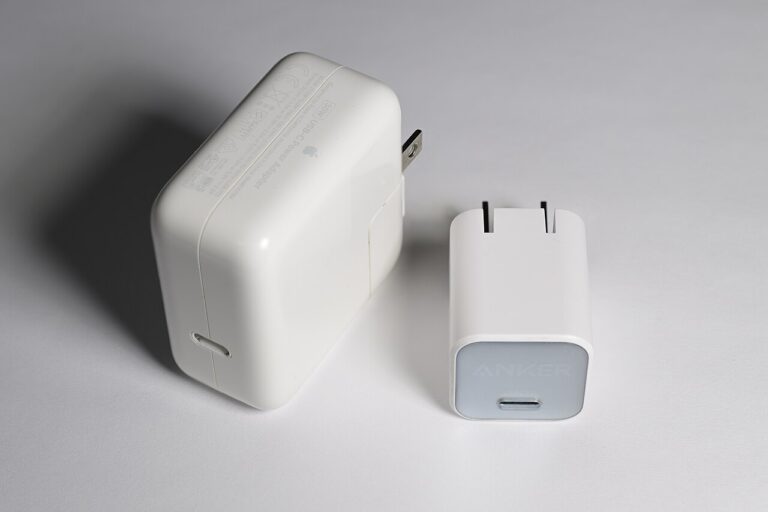
How to Choose a USB-C Charger for a Laptop and Phone
Choose a USB-C charger for a laptop and phone by checking device requirements, simultaneous port output, cable support, and everyday placement.
-

How to Evaluate Online Shopping Deals
Evaluate a shopping offer by the exact product, seller, condition, bundle, return terms, and verified promotion details before deciding to buy.
-

Mechanical Keyboards: What Buyers Should Know
Understand mechanical keyboard layouts, switch preferences, noise, software, connections, and upgrade compatibility before your first purchase.