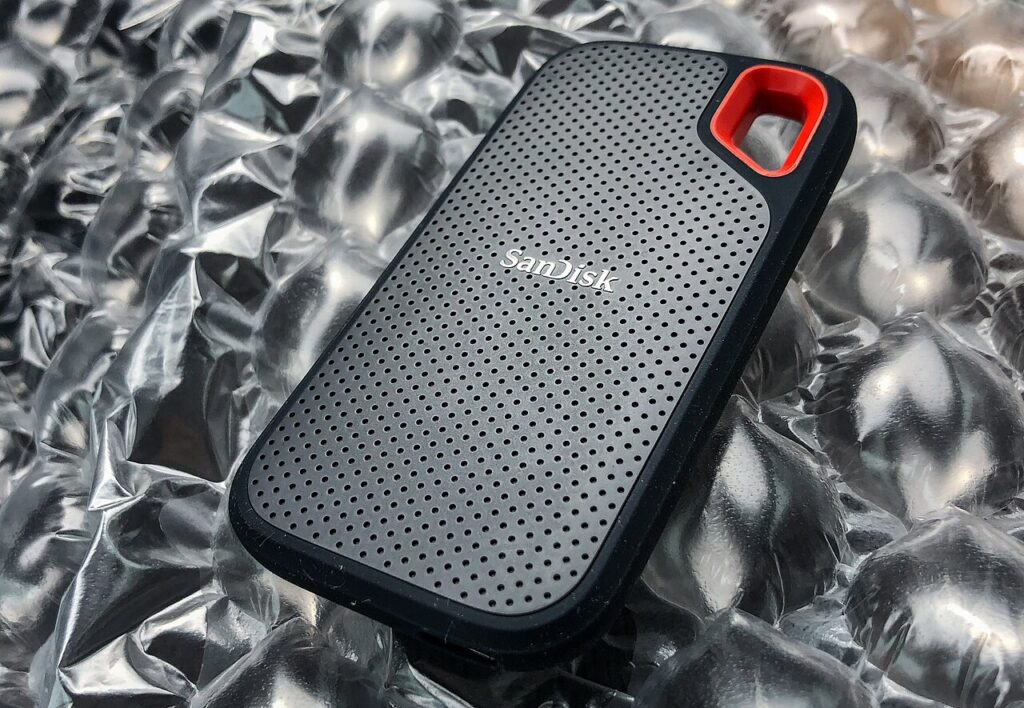

An external SSD and a USB flash drive can both carry files, and their shapes increasingly overlap. Choose by the workload and documented specifications rather than assuming every thumb-shaped device is slow or every cabled device is fast. A small document handoff and a recurring large media transfer ask different things of a storage purchase.
Define the transfer you actually repeat
Estimate the size and kind of files you move: a few office documents, a photo collection, or long video projects. Note how often you transfer them and which computers need access. This helps distinguish a convenience purchase from one where sustained performance and cable compatibility deserve closer attention.
Avoid choosing capacity solely by the largest number you can afford. Leave sensible working space, but consider how you will organize and protect the files. A large drive containing the only copy of everything is still a single point of loss.
Compare the full connection path
Read the drive’s interface requirements, the host port’s documented capability, and any cable specification. A faster drive cannot exceed the limits of the connection path. A hub or an unsuitable replacement cable can also change the result.
Manufacturer headline transfer figures are not guarantees for every workload. File sizes, drive condition, and the device being used can affect observed transfers. Seek model-specific evidence when performance matters, and avoid treating a product category as one uniform speed class.
Consider handling as well as speed
A compact flash drive is easy to hand to someone and may need no separate cable. That simplicity also makes it easy to misplace. Check whether it protrudes into a crowded area when inserted, and whether the connector housing clears neighboring ports.
A cabled SSD can sit beside the computer rather than projecting from it. Its cable becomes another item to carry and replace correctly. Compare connector placement, cable length, and practical storage in your bag. Neither shape is automatically more durable in every situation.
Check file systems and privacy requirements
Confirm compatibility with every operating system or device that will read the drive. Formatting can erase data, so follow the device manufacturer’s instructions and make another copy before changing a format. Console, phone, and camera requirements may differ from those of a computer.
For sensitive files, determine whether you need a supported encryption workflow and how keys or passwords will be managed. A label that says secure should lead to a clear technical description. Follow employer rules for work data rather than buying a consumer storage device and assuming it is approved.
Keep backup separate from transport
A working transfer copy and a backup serve different roles. If files matter, keep another appropriate copy and verify that you can open it. Do not erase the original merely because a progress bar finished copying to a new device.
Kingston’s documentation provides examples of how portable storage interfaces and features vary, including SSDs with thumb-drive-style form factors. Choose a documented model for a defined task and protect the files independently of the purchase.
Sources
Based on the manufacturer and primary-source references below, checked November 12, 2026.
Continue with our smarter shopping field guide and explore more computers accessories guides. Read our editorial policy for sourcing and corrections.