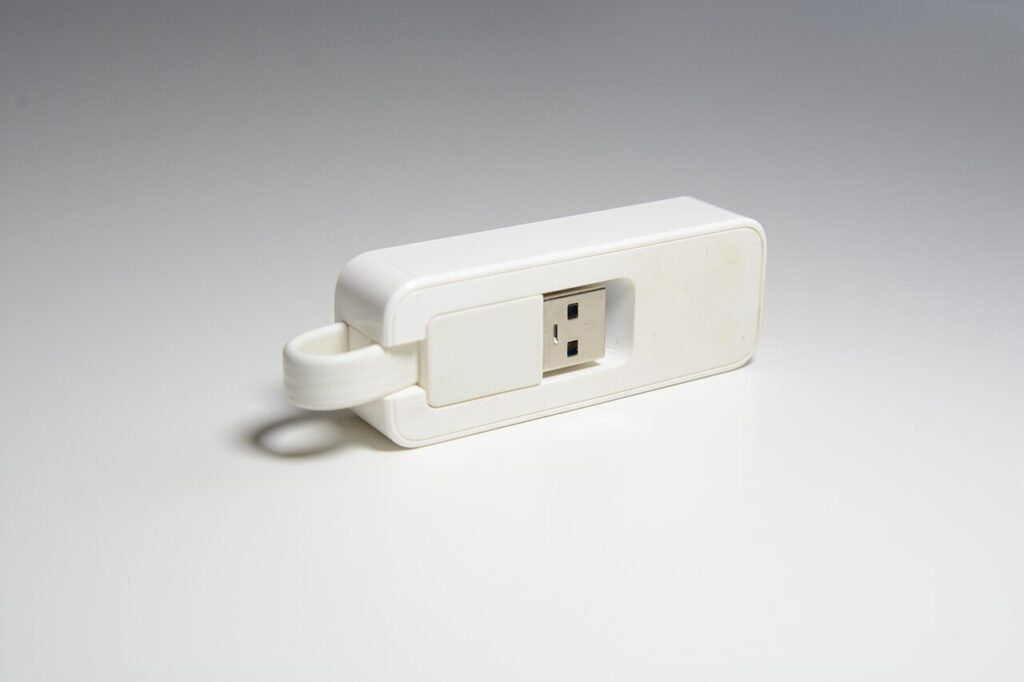

A USB Ethernet adapter adds a wired network connection to a compatible device. It does not automatically make the internet faster, replace a router, or fix a slow service plan. It is most useful when you have an accessible Ethernet connection and a specific reason to use it: desk wiring, a congested wireless location, or a device without a built-in network socket.
Products to consider
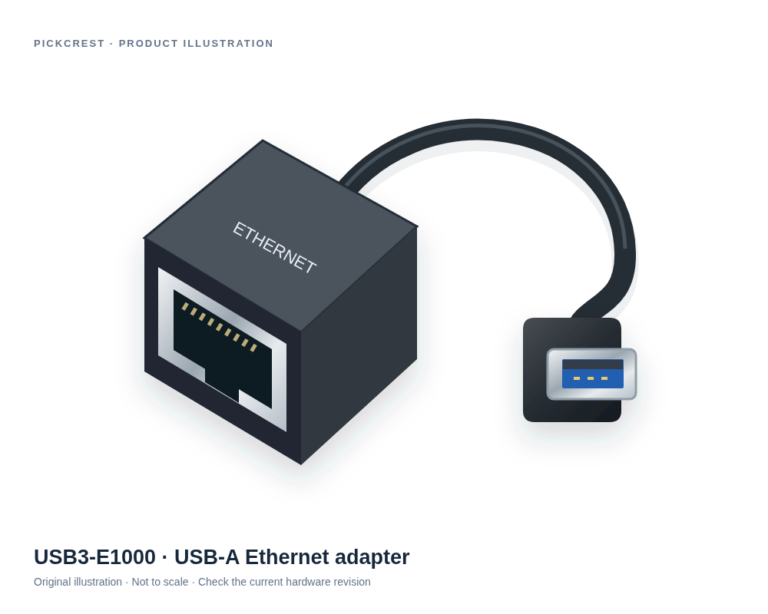
Plugable USB3-E1000 USB-A Gigabit Ethernet Adapter
A dedicated USB-A wired network adapter for a compatible computer when Ethernet is the missing connection. Check the exact operating-system requirements before ordering.
Check on Amazon Paid link. I may earn a commission from qualifying purchases.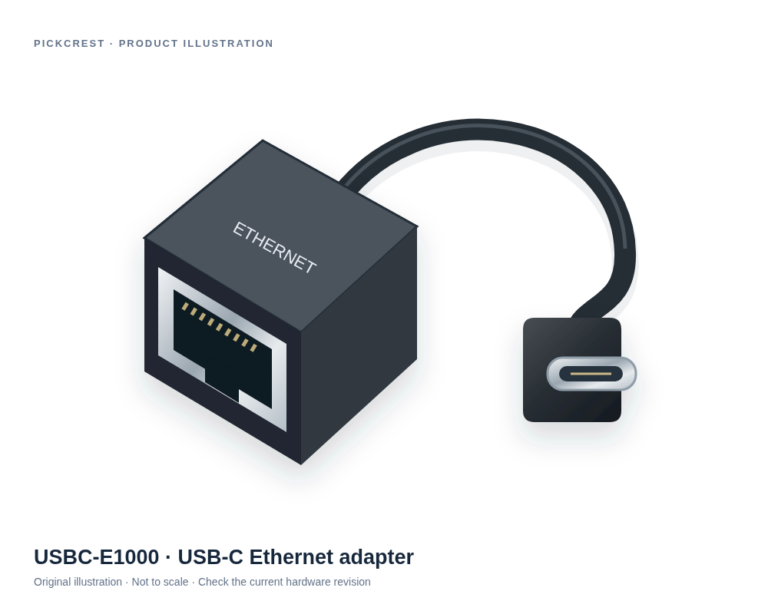
Plugable USBC-E1000 USB-C Gigabit Ethernet Adapter
A USB-C adapter for adding wired Ethernet to a supported host. It suits a defined network connection rather than replacing a router or sharing USB devices across a network.
Check on Amazon Paid link. I may earn a commission from qualifying purchases.Choose the correct host connection
Start with the computer or tablet’s exact model. Decide whether the adapter needs USB-A or USB-C, then verify that the operating system supports the particular adapter. The connector shape alone does not establish driver support. A work computer may also restrict driver installation or new network devices.
An adapter listing should name the supported platforms and, where relevant, the hardware revision. Keep that documentation with your notes. Do not apply a compatibility statement for a neighboring model or a different chipset to the adapter in your cart.
Match the network you actually have
Check the Ethernet port on your router, switch, or wall connection and the cable you intend to use. A Gigabit adapter does not create a faster upstream service. Likewise, a multi-gigabit adapter needs an appropriate connection path before its headline capability becomes relevant.
Separate link rate from measured internet throughput. The former describes a connection capability; the latter depends on the network and workload. Be cautious about promises that wired is always faster than wireless. Reliability in your particular room is a practical question, not a guaranteed result from one accessory.
Plan cable routing and desk use
Measure the route from the network outlet to the working position. Avoid a layout that pulls the adapter against the laptop or leaves a cable across a walking area. If you move the computer often, consider how quickly the cable can be disconnected and where the adapter will rest.
A hub with Ethernet may be sensible when you also need several ports. A dedicated adapter can be simpler when networking is the only missing function. Compare the entire connection arrangement rather than assuming the combined accessory is automatically more convenient.
Distinguish two verified connector examples
Plugable’s USB3-E1000 uses USB-A; its USBC-E1000 uses USB-C. Their manufacturer pages provide separate US Amazon purchase references and compatibility documentation. They are related products, but the connectors and supported-device details should be checked individually.
The USBC-E1000 documentation also explains that it is not a way to share a network between multiple devices or turn a USB printer into a network printer. Those are different tasks. Choose an adapter for the host connection you need, and use appropriate networking equipment for broader sharing requirements.
Check before replacing anything else
Confirm the operating system recognizes the adapter, use a suitable known-working cable, and follow the manufacturer’s setup instructions. If the intended wall connection is managed by an employer, school, or hotel, check its access rules before assuming it behaves like a home router.
This guide does not promise a particular speed or latency improvement. Use the verified product cards only after matching their connector and compatibility to your setup. Current seller, shipping, and purchase terms remain matters to check on the merchant’s page.
Sources
Based on the manufacturer and primary-source references below, checked November 12, 2026.
Continue with our smarter shopping field guide and explore more computers accessories guides. Read our editorial policy for sourcing and corrections.