Collections: Home Office Essentials
Start with the way you work: a permanent desk, a shared room, or a setup you pack away each day. Measure the available space, check the computer’s actual port capabilities, and identify a repeated inconvenience before choosing an accessory. A stand, organizer, or adapter should solve a clear task. Review mounting requirements, power needs, and return terms. The published collection will grow as individual recommendations complete editorial review.
-
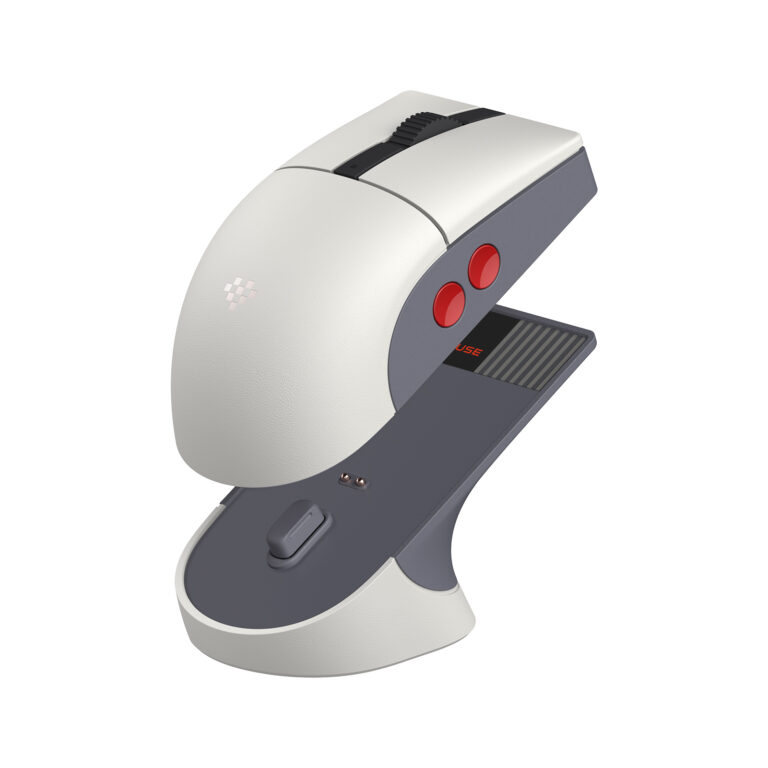
Essential Home Office Accessories Worth Considering
Choose home office accessories for your real routine, including shared workspaces, lighting, meeting audio, connectivity, and daily storage.
-
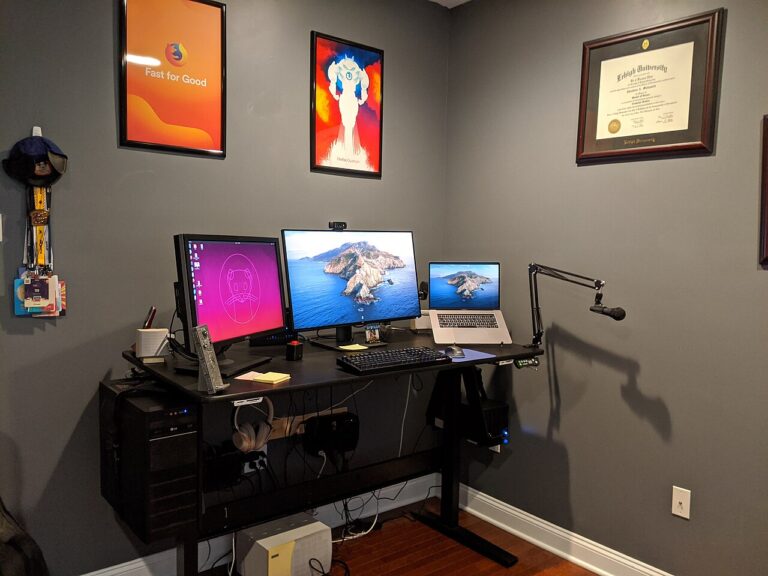
Everyday Tech Accessories for a Cleaner Desk Setup
Build a cleaner desk around the accessories you actually use, with practical checks for cable access, hub compatibility, stands, and limited space.
-
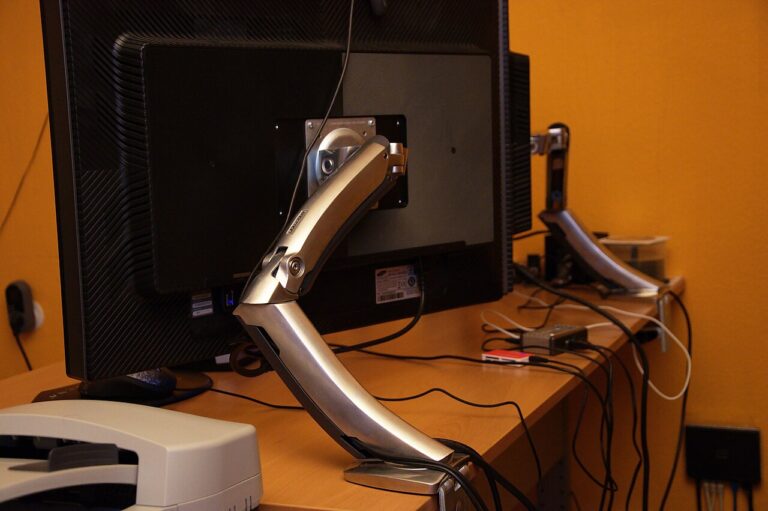
How to Choose a Monitor Arm That Actually Fits
Check monitor-arm fit using the display’s mounting pattern, weight, desk construction, clamp clearance, movement range, and cable slack.
-

Laptop Accessories for Students and Remote Workers
Plan a manageable laptop accessory kit for classes, remote work, and travel, with checks for charging, connections, bag fit, and carrying weight.
-

Mechanical Keyboards: What Buyers Should Know
Understand mechanical keyboard layouts, switch preferences, noise, software, connections, and upgrade compatibility before your first purchase.
-
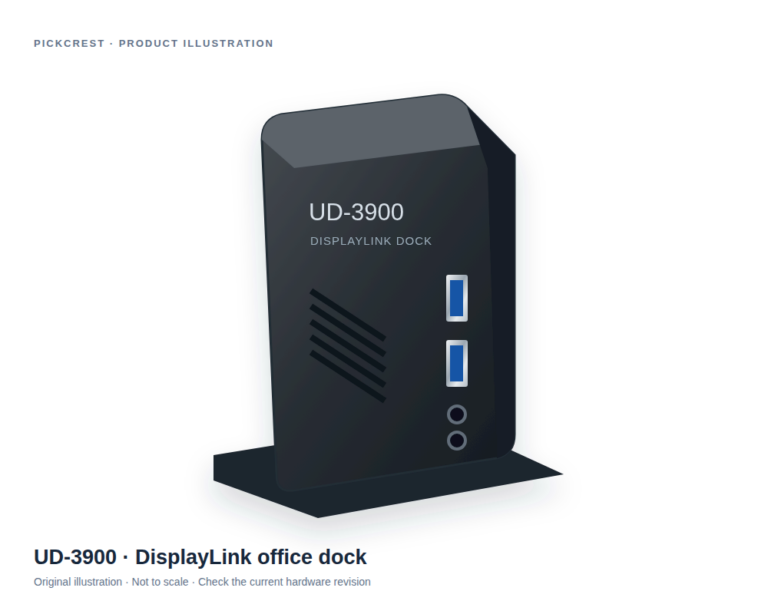
Plugable UD-3900 DisplayLink Office Dock
An office-oriented DisplayLink dock to consider when a documented multi-connection desk setup is needed. Verify your laptop, monitors, software permissions and exact hardware revision first.
-
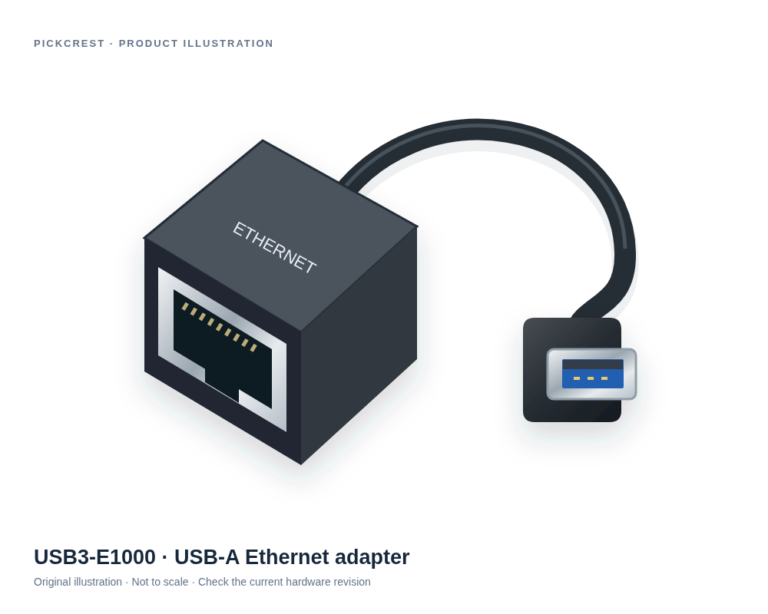
Plugable USB3-E1000 USB-A Gigabit Ethernet Adapter
A dedicated USB-A wired network adapter for a compatible computer when Ethernet is the missing connection. Check the exact operating-system requirements before ordering.
-
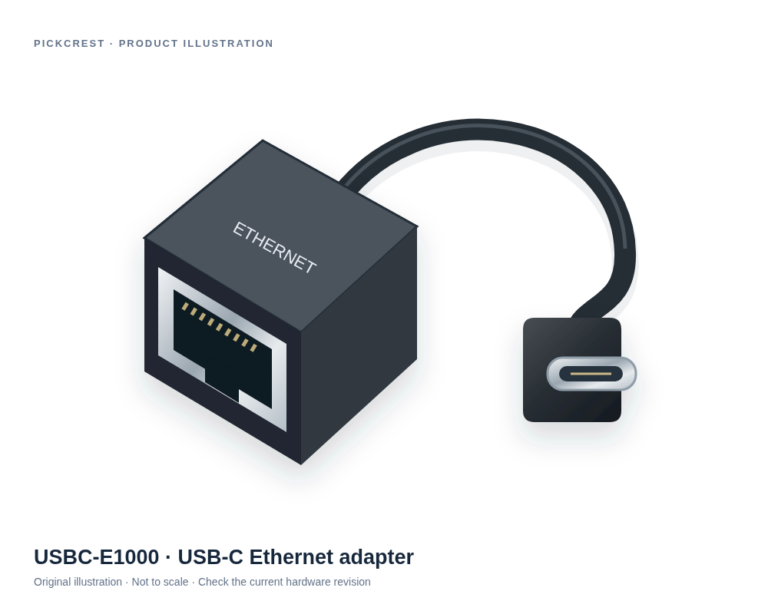
Plugable USBC-E1000 USB-C Gigabit Ethernet Adapter
A USB-C adapter for adding wired Ethernet to a supported host. It suits a defined network connection rather than replacing a router or sharing USB devices across a…
-
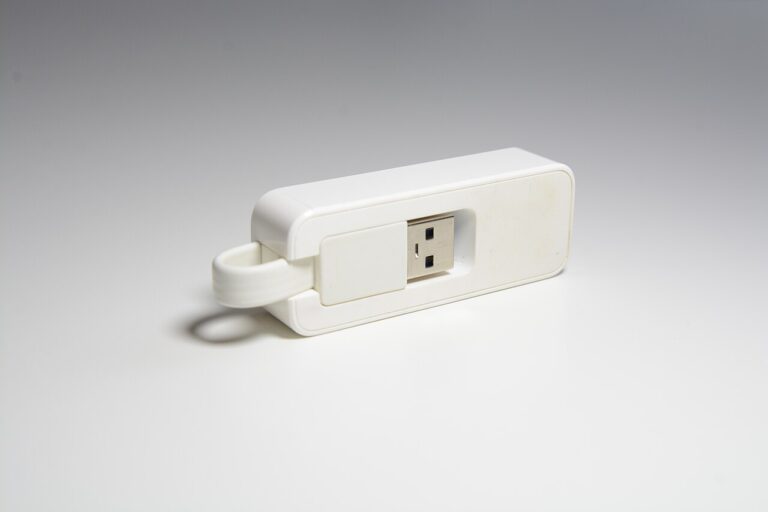
USB Ethernet Adapters: What to Check Before You Buy
Choose a USB Ethernet adapter by connector, operating-system support, network requirements, and cable routing, with verified Plugable examples.
-
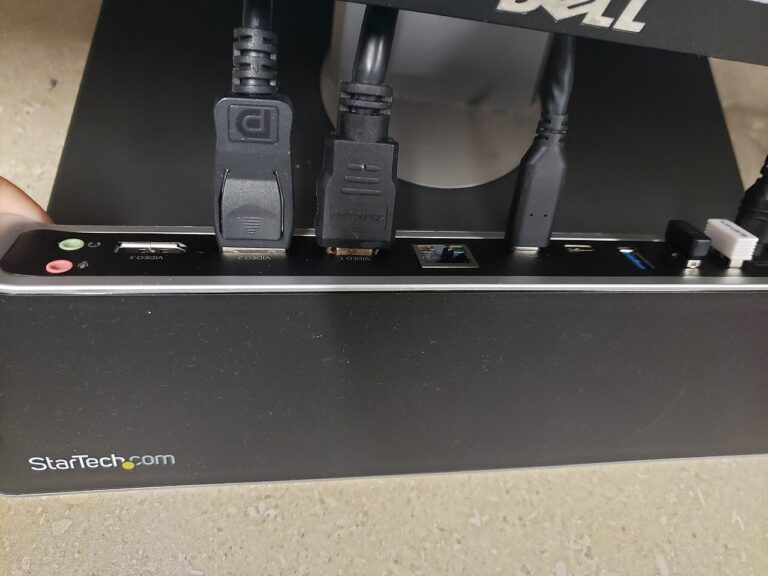
USB-C Hub vs. Docking Station: Which Fits Your Desk?
Compare hubs and docks by host support, display needs, driver requirements, laptop charging, desk space, and the connections you use together.
-

Useful Gifts for Remote Workers: Ask These Questions First
Find useful remote-work gifts by checking the recipient’s routine, computer restrictions, desk dimensions, account needs, and return options.
-
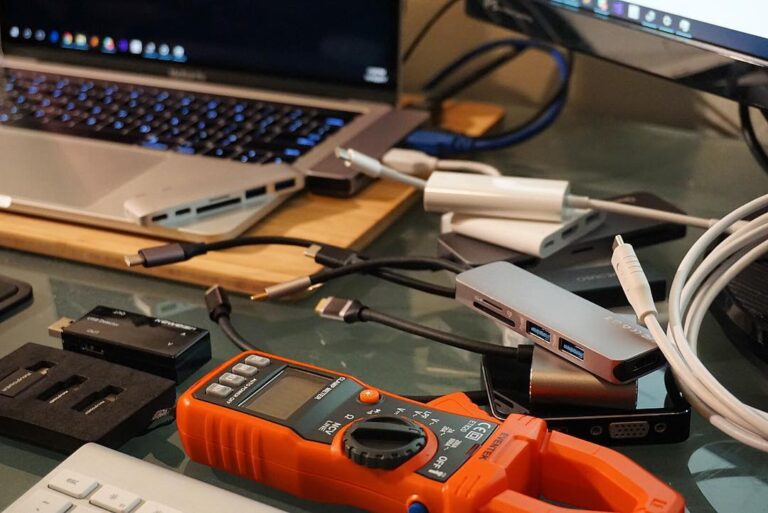
Useful USB-C Accessories for Modern Devices
Choose USB-C accessories by the task, with separate checks for charging, data, video, host support, cable requirements, and practical port layouts.
-
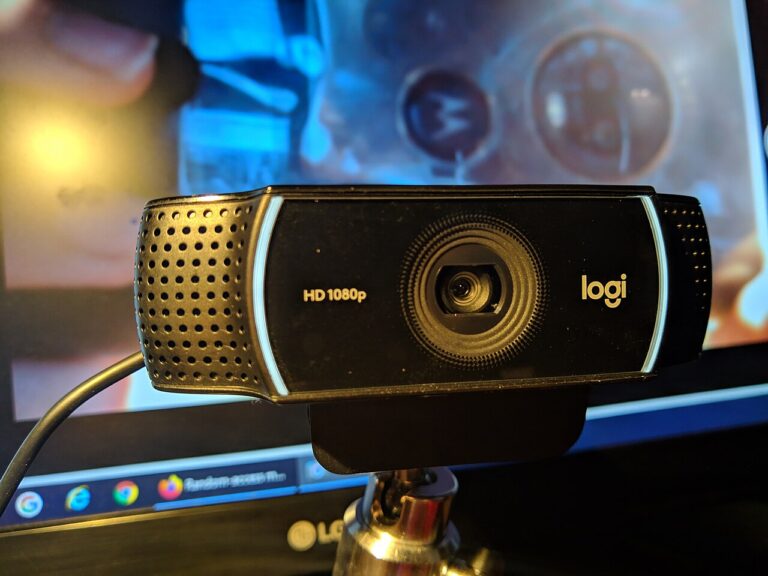
Webcam Buying Guide for Remote Meetings
Choose a webcam for remote meetings with practical checks for framing, mounting, resolution, lighting, microphone choice, privacy, and software.