

A laptop accessory kit should make it easier to move between the places you already use. For a student, that might mean a library table and a classroom. For a remote worker, it could mean a shared desk and occasional travel. Start with the laptop’s model and the tasks that need to work away from your usual setup.
Products to consider
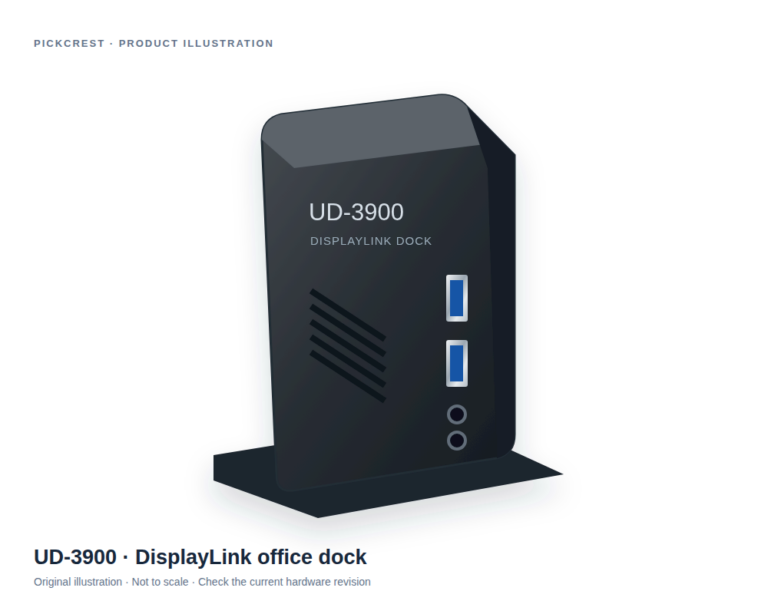
Plugable UD-3900 DisplayLink Office Dock
An office-oriented DisplayLink dock to consider when a documented multi-connection desk setup is needed. Verify your laptop, monitors, software permissions and exact hardware revision first.
Check on Amazon Paid link. I may earn a commission from qualifying purchases.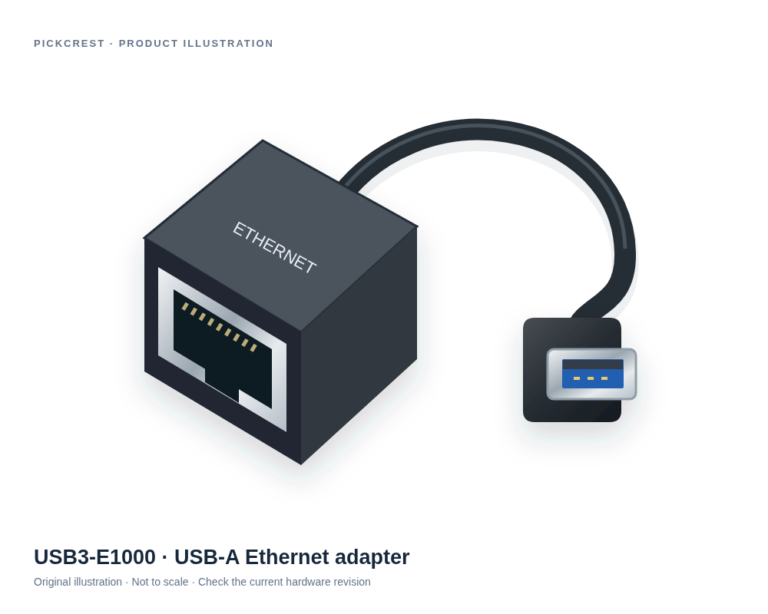
Plugable USB3-E1000 USB-A Gigabit Ethernet Adapter
A dedicated USB-A wired network adapter for a compatible computer when Ethernet is the missing connection. Check the exact operating-system requirements before ordering.
Check on Amazon Paid link. I may earn a commission from qualifying purchases.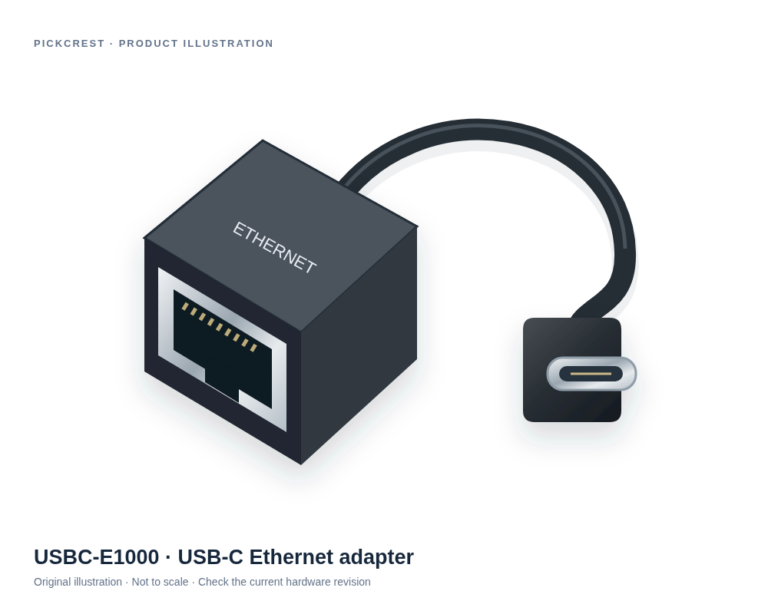
Plugable USBC-E1000 USB-C Gigabit Ethernet Adapter
A USB-C adapter for adding wired Ethernet to a supported host. It suits a defined network connection rather than replacing a router or sharing USB devices across a network.
Check on Amazon Paid link. I may earn a commission from qualifying purchases.Power: plan for the actual day
Check the laptop manufacturer’s charging requirements and supported charging ports. If you want a second charger, verify compatibility with the exact laptop and required cable. Do not rely only on the fact that a connector fits.
Before adding a battery pack, check charging support and relevant transport requirements for your journey. Keep current carrier rules separate from a product listing. Avoid publishing a general promise that a battery is permitted on every flight.
Connectivity: bring the adapter you need
List likely connections such as a classroom display, a memory card, or a wired network. A compact adapter may be enough for one task; a multiport hub may suit several. Check host support and operating system requirements for the intended combination.
A short cable can reduce clutter but may place weight close to the laptop’s port. Look at where the adapter will rest on the table and whether attached cables leave enough room for the computer and your hands.
Protection: use measurements, not a diagonal alone
Laptop screen size is not a complete description of the computer’s outside dimensions. Check width, depth, thickness, and case requirements against the sleeve or bag’s internal measurements. Allow for any protective shell you intend to keep attached.
Consider how the bag protects the laptop during normal use and how accessible the charging accessories are. Claims about water or impact protection need specific supporting information; a padded appearance is not evidence of a tested protection rating.
Work accessories: keep the kit manageable
A stand, keyboard, or pointing device can be useful at a fixed temporary desk, but each adds weight and setup time. Decide which tasks benefit enough to justify carrying them. A small kit that gets used is more practical than a complete desk setup that stays at home.
For calls in shared spaces, consider microphone controls and a way to keep audio private. Check employer or school rules about peripherals, software, and shared networks before adding new equipment.
Pack by task and review after a week
Group frequently used cables in a pouch and label similar ones. Carry only the adapters you have a realistic reason to use, while keeping occasional equipment in a separate place. Save model and compatibility notes in a location you can access without the laptop.
Split the travel kit from the desk kit
A laptop kit that travels should be judged by packed weight and setup time as well as functions. A permanent dock can stay with the display and keyboard, while a small verified network adapter may fit a specific travel need. Carrying both makes sense only when each has a clear job.
Write the full connection arrangement for the places you actually visit. Include the required charger, cable type, and any host restrictions. Keep the record available on your phone or paper so it remains accessible when the laptop is packed away. Review the kit after the first realistic week rather than adding accessories indefinitely.
Sources
Based on the manufacturer and primary-source references below, checked November 12, 2026.
Continue with our smarter shopping field guide and explore more computers accessories guides. Read our editorial policy for sourcing and corrections.