Working from home often means asking one space to do several jobs. A kitchen table might become a desk in the morning and need to be clear by dinner. The best accessories for that situation can be quite different from those for a permanent office. Start with the routine and the room.
Products to consider
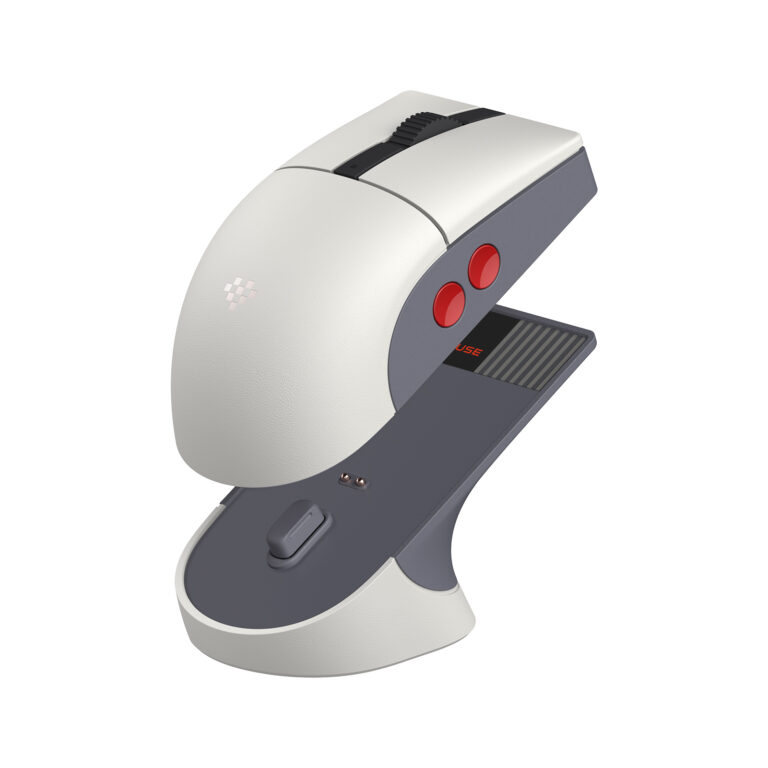
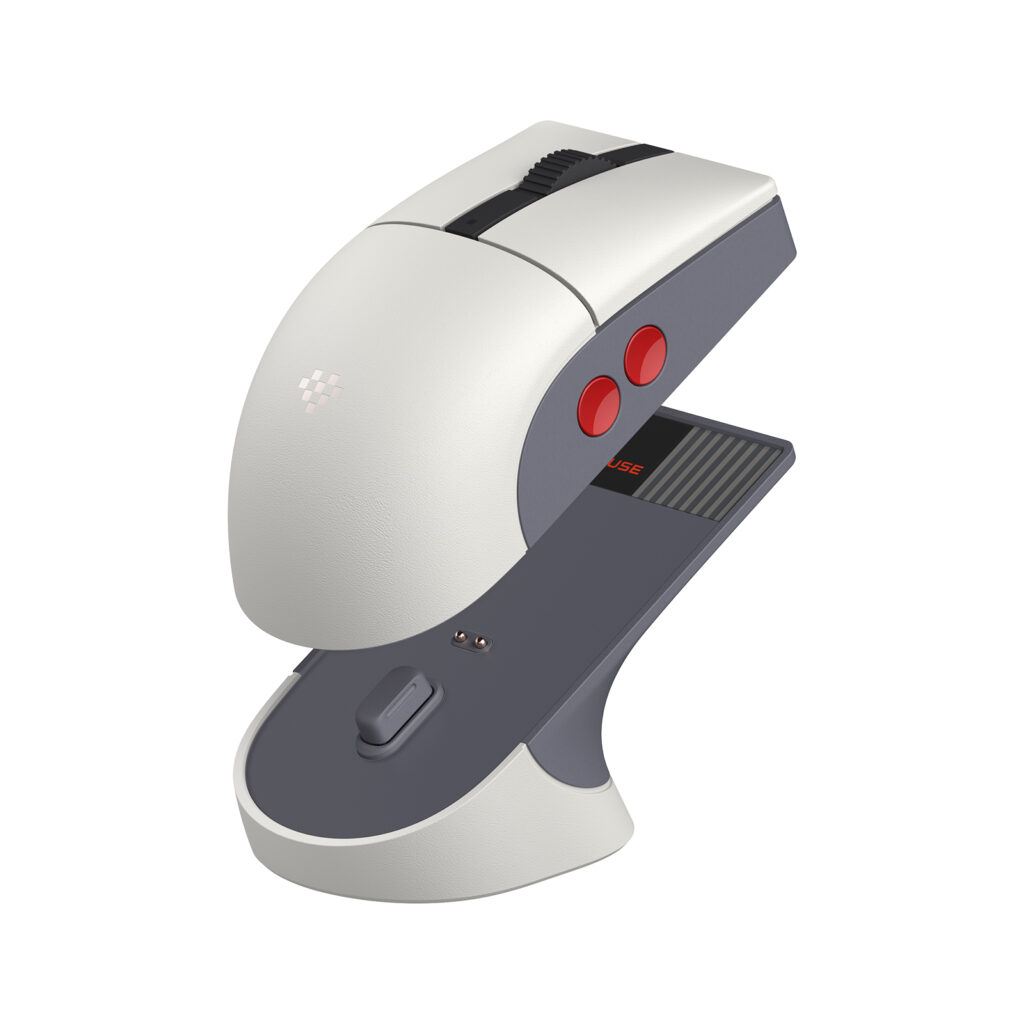
8BitDo Retro R8 Mouse — N Edition
A retro-styled mouse with Bluetooth, 2.4GHz, USB, four programmable side buttons, and a charging dock. Consider it for a desk that will use the dock and extra controls; check the 115 × 58 × 39.4mm body against your preferred grip.
Check on Amazon Paid link. I may earn a commission from qualifying purchases.Separate permanent needs from occasional ones
List the tasks that occupy most of your day: typing, video calls, reading, drawing, or moving between rooms. Identify the equipment each task requires. Keep occasional tools in a nearby storage area rather than giving them permanent desk space.
If you pack the setup away each day, think about storage as part of the purchase. A folding stand, small organizer, or dedicated pouch may matter more than a dock with a long list of unused connections.
Lighting: look at the room before the lamp
Notice where windows and ceiling lights are positioned during your usual work hours. A desk lamp should add useful light without creating glare on the screen. Check whether you can adjust its direction and whether the base or clamp fits your available surface.
For video calls, experiment with your position relative to existing light before buying equipment. A small change in placement may be enough. Avoid assuming that a bright lamp will solve a camera or room-layout problem.
Make calls easier to manage
A headset can help separate meeting audio from the room. Check the connection type, microphone controls, and compatibility with your work software. Comfort is personal, so return terms and replaceable wear parts deserve attention.
A separate webcam is worth considering if the built-in camera’s position or image is causing a specific problem. Check mounting options and available ports. Follow your employer’s rules before connecting new hardware or installing companion software.
Think through the full connection path
Identify the computer model, display inputs, charging requirements, and wired accessories. A dock’s advertised features still depend on the host computer and the connected equipment. Keep the manufacturer’s compatibility documentation with your notes.
If a reliable network connection is important to your work, compare your existing wireless setup with the practical requirements of a wired connection. Consider cable routing and any adapter you would need; do not assume a dock includes every cable.
Leave room to adjust
An office setup should be easy to revise after a week of use. Keep packaging until you are satisfied with an accessory, and check return deadlines before experimenting. Measure changes against a clear goal, such as reducing repeated reconnections or clearing space for documents.
Comfort and accessibility needs vary. An accessory should support the way you use your equipment, and individual concerns may call for appropriate professional advice rather than a generic shopping recommendation.
Choose around the daily reset
For a shared table, compare the steps needed to start and end work. A pouch for the charger and two frequently used cables may solve more than a permanently wired dock. For a fixed office, leaving a documented dock arrangement connected may reduce repeated setup. The right advantage depends on whether the workspace stays assembled.
Before ordering, write the complete kit on one line: computer, display connection, power, input devices, and call audio. Put an estimated storage location beside each object. If you cannot explain where an accessory goes after work, reconsider whether its convenience during a meeting justifies the space it occupies afterward.
A specific mouse to compare: 8BitDo Retro R8 N Edition
The R8 is an option for a permanent desk that will use a charging dock and programmable side buttons. It supports Bluetooth, 2.4GHz, and wired USB. Its documented 115 × 58 × 39.4mm body is a useful measurement to compare with a mouse you already find comfortable.
The dock gives the mouse and receiver a defined home, but it also occupies space. Skip it if you clear the table each evening or need software features your work computer does not permit. Read our R8 N Edition guide before replacing a mouse that already suits you.
Sources
Based on the manufacturer and primary-source references below, checked November 12, 2026.
- OSHA: computer workstations purchasing guide
- Plugable UD-3900 manufacturer compatibility documentation
Continue with our smarter shopping field guide and explore more computers accessories guides. Read our editorial policy for sourcing and corrections.