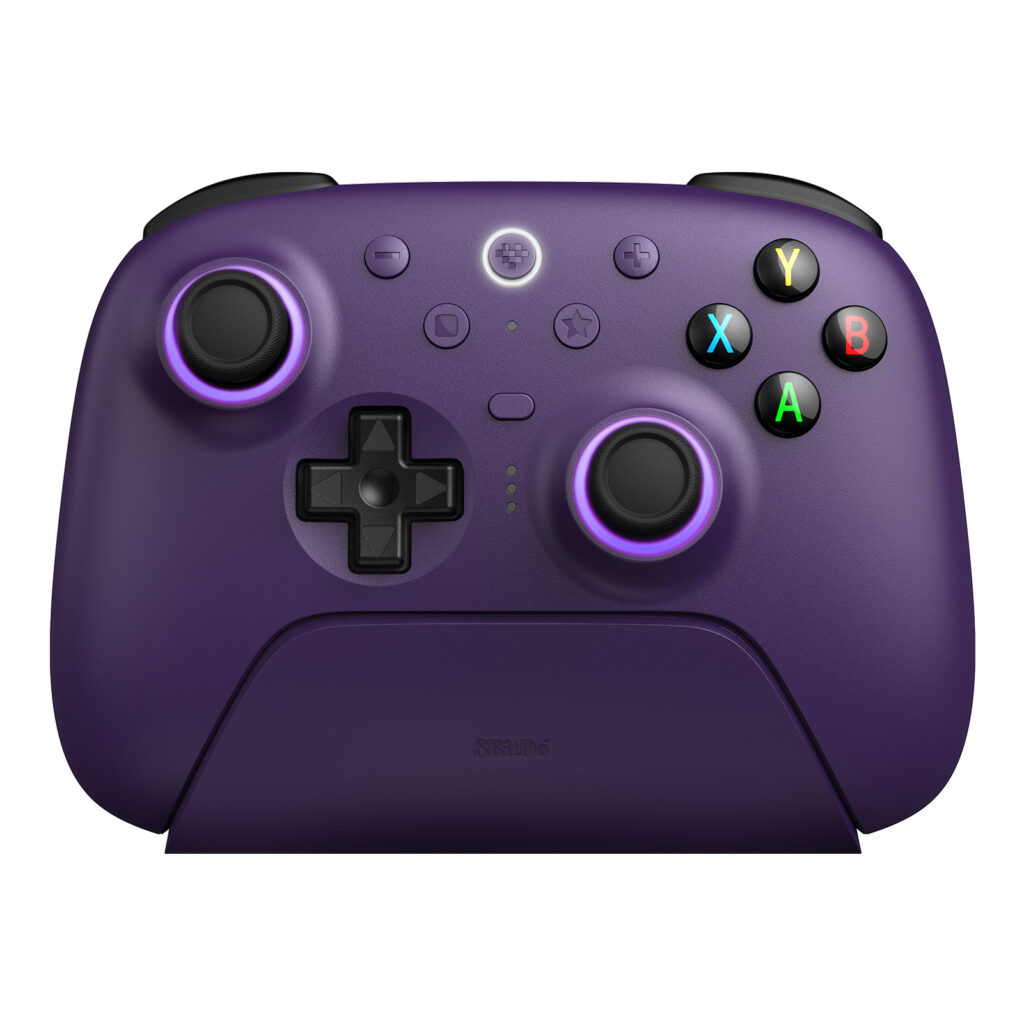
The 8BitDo Ultimate 2 Wireless Controller is a PC-oriented gamepad with a charging dock, configurable extra controls, and triggers that can switch between two behaviors. The Purple version shown here is the one linked from the manufacturer's US product page. Choose it for a supported gaming setup where those controls will be used; do not assume it is the separately named Ultimate 2 Bluetooth model for Switch.
Products to consider
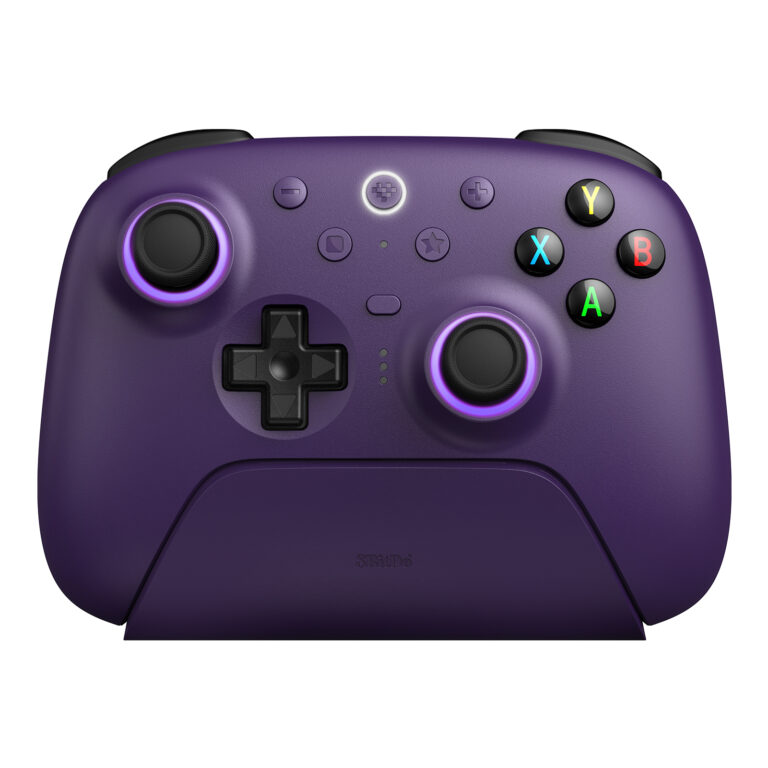
8BitDo Ultimate 2 Wireless Controller — Purple
A PC-focused controller with TMR sticks, switchable Hall-effect/tactile triggers, remappable extra controls, and a charging dock. Choose it for a supported PC setup; confirm the exact platform and connection mode instead of assuming all Ultimate models work alike.
Check on Amazon Paid link. I may earn a commission from qualifying purchases.| Your situation | What matters |
|---|---|
| You play on a supported PC | Check the Wireless model’s connection and software requirements. |
| You mainly play on Switch | Do not confuse this with the separately named Ultimate 2 Bluetooth. |
| You want an Xbox-console controller | A familiar Xbox-style button layout is not console certification. |
The version name matters more than the color
8BitDo uses similar Ultimate names across several controller families. Start with the exact product name and platform list. The Wireless model discussed here has its own support instructions; a review or setup tutorial for Ultimate 2 Bluetooth may describe a different device.
The current manufacturer page provides platform-specific information for Windows, Android, SteamOS, and Apple devices. Features and connection modes vary. Check the instructions for your actual system and desired functions, especially if you move between a PC and another device. A familiar button layout does not prove Xbox-console compatibility.
Why the trigger switch is worth examining
The controller provides a linear Hall-effect trigger mode and a non-linear tactile trigger mode. These are two ways to deliver an input, not two levels in a universal performance ranking. A gradual input can suit a game that uses a trigger range; a shorter-feeling action may suit another preference.
Think about the games you actually play and whether they expose that range meaningfully. A trigger-mode feature adds less value if you will set it once and never use the alternative. Do not choose it solely because the mechanism sounds more advanced on a specification sheet.
What the dock adds to daily use
The package's charging dock creates a defined place to leave the controller and houses the 2.4GHz adapter. That can be convenient at a permanent desk. Plan its cable route and access rather than treating it as an accessory that consumes no space.
A controller that travels between bags, rooms, and different devices has a different routine. Check the cable and charging requirements for that use. Decide whether a dock is genuinely convenient or simply another object to pack and reconnect.
Extra buttons are useful when they reduce a repeated action
The controller includes additional remappable controls and configuration through 8BitDo software. Start with a small number of useful assignments rather than a complex profile for every game. Check which functions are supported on the intended platform and connection.
The same caution applies to motion controls and other optional functions: the complete setup matters. A feature listed on a PC-focused product page is not a promise that every connected device exposes it in the same way. Confirm your required function before treating it as a reason to upgrade.
Keep the stick and latency claims in perspective
8BitDo documents TMR joysticks and publishes its own performance specifications. That identifies the technology and manufacturer claims; it does not establish our own measured drift resistance, latency, or lifespan. Those outcomes require suitable testing of the exact model and setup.
For a purchasing decision, also examine grip, button reach, software requirements, and return conditions. A technology label cannot tell you whether the controller feels comfortable during your usual sessions or whether you prefer its layout over a controller you already own.
Who should buy it, and who should keep looking?
Consider it if you want a documented PC gamepad arrangement with a dock, configurable controls, and trigger-mode choices. Keep looking if the main requirement is a particular console, a configuration unavailable on your platform, or a grip you have not found comfortable. Verify the exact model before buying a familiar-looking Ultimate controller.
For multiplayer communication, check the separate headset connection to your PC or console. A controller purchase should not be assumed to solve microphone compatibility or every part of the gaming setup.
Sources
Specifications and product version checked November 12, 2026. Images supplied in 8BitDo / Game Outlet Europe press assets; no hands-on testing is claimed.
Compare more gaming guides and read our editorial policy.