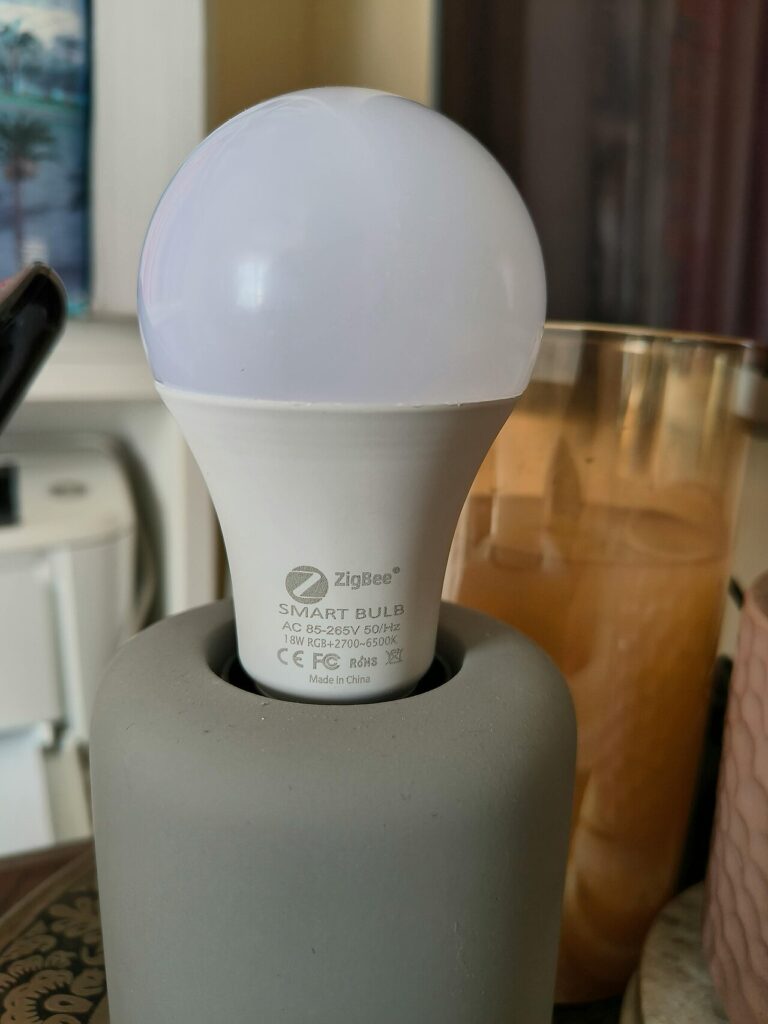

Smart lighting for a rental should be easy to operate and easy to remove when you move. That often makes a compatible smart bulb, a plug controlling a suitable lamp, or a simple conventional timer worth comparing before considering changes to fixed wiring. Begin with the light you want to control and the permissions that apply to your home.
Products to consider
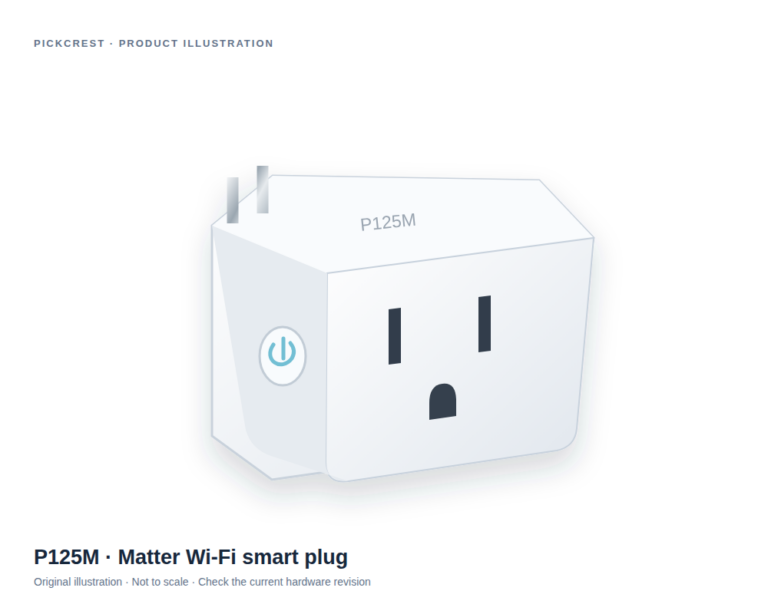
Tapo P125M Matter Wi-Fi Smart Plug
A Matter-enabled Wi-Fi plug for a suitable on/off routine, such as a compatible table lamp. Read the exact network, platform and electrical-use instructions before purchase.
Check on Amazon Paid link. I may earn a commission from qualifying purchases.Choose the light, then the control method
A smart bulb can offer functions built into the bulb, while a smart plug switches power to a suitable connected lamp. Those are different arrangements. Do not expect a plug to provide dimming or color controls simply because it can turn the lamp on and off.
Check the bulb base, fixture limitations, enclosure conditions, and any existing dimmer. For a plug, check both the plug’s and lamp’s instructions. If the correct combination is unclear, ask the manufacturer rather than assuming every lamp or fixture behaves the same way.
Keep wall switches understandable
Consider what happens when someone uses the ordinary wall switch. A connected bulb that loses power may no longer respond as expected until power is restored. Plan how guests and household members will operate the light without a phone tutorial.
Physical controls can be a useful deciding feature: a button, supported remote, or accessible plug switch. Check compatibility and whether an additional controller is required. Do not buy a remote based only on matching brand names; verify the exact models and supported functions.
Check the network before buying a multipack
Read the wireless requirements, platform compatibility, and any hub or bridge requirement. Matter support can help identify an application standard, but it does not remove the need to check the networking arrangement and controller. A Wi-Fi bulb and a Thread bulb may ask for different supporting equipment.
Try one device before replacing several lights. Confirm setup, everyday operation, and the way controls behave after power or internet interruptions. A small pilot is especially useful when the household includes people with different phones or different comfort levels with apps.
Compare a plug with a bulb honestly
A plug can preserve an existing suitable bulb and make sense for a table lamp you already like. Its limitations include socket fit and a switching arrangement that may not provide the lamp’s finer controls. A smart bulb can put more functions in the light itself, but it ties the purchase to fixture compatibility and the platform’s implementation.
The verified Tapo P125M example is an on/off smart plug, not an outdoor controller, dimmer, or a promise of compatibility with every lamp. Use its exact instructions and load limitations. No electrical modification is described or required by this shopping guide.
Plan the move-out process
Keep the original bulbs and any removable accessories organized. Review the reset and account-removal steps so the smart device can move with you without leaving your account attached to someone else’s equipment. Check the lease and seek appropriate permission before any fixed installation.
A good rental setup preserves clear everyday control and has a straightforward removal plan. Choose the smallest change that accomplishes the lighting routine. Buying fewer, well-documented accessories is often easier to manage than a whole-apartment system whose basic controls nobody has agreed on.
Sources
Based on the manufacturer and primary-source references below, checked November 12, 2026.
Continue with our smarter shopping field guide and explore more smart home guides. Read our editorial policy for sourcing and corrections.