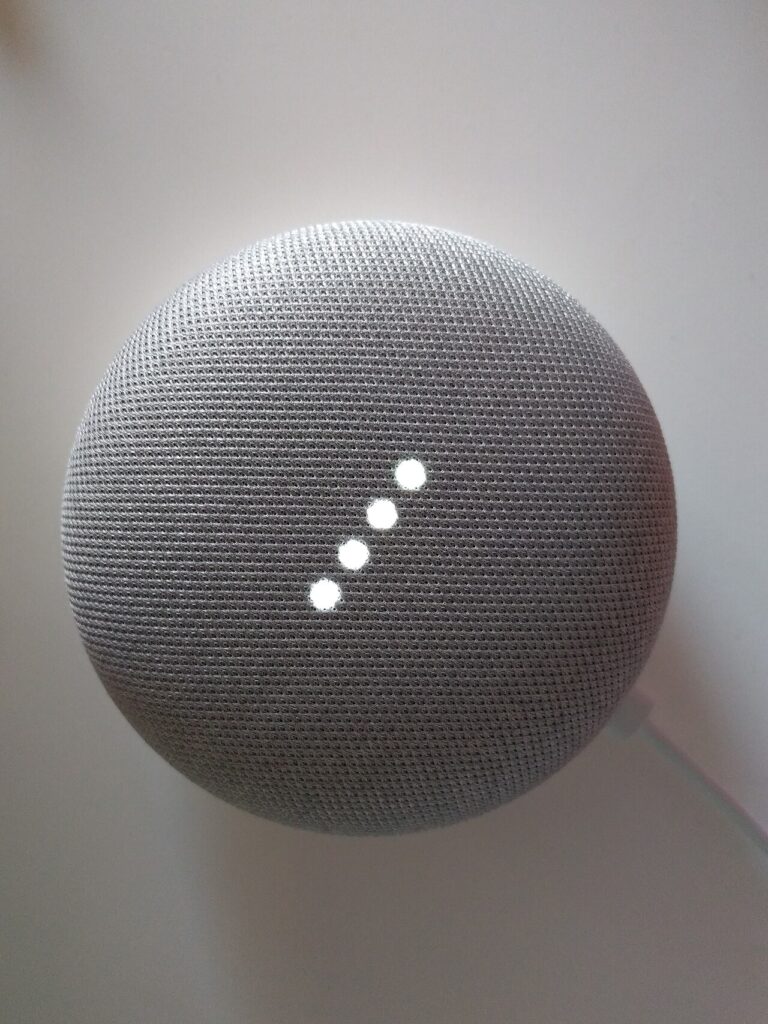

A smart home does not have to begin with a central dashboard or a box full of connected devices. One useful routine is enough: turning off a lamp without getting up, scheduling a light, or receiving a door-status alert. Start with the task and ask what technology is actually required to make it work.
Products to consider
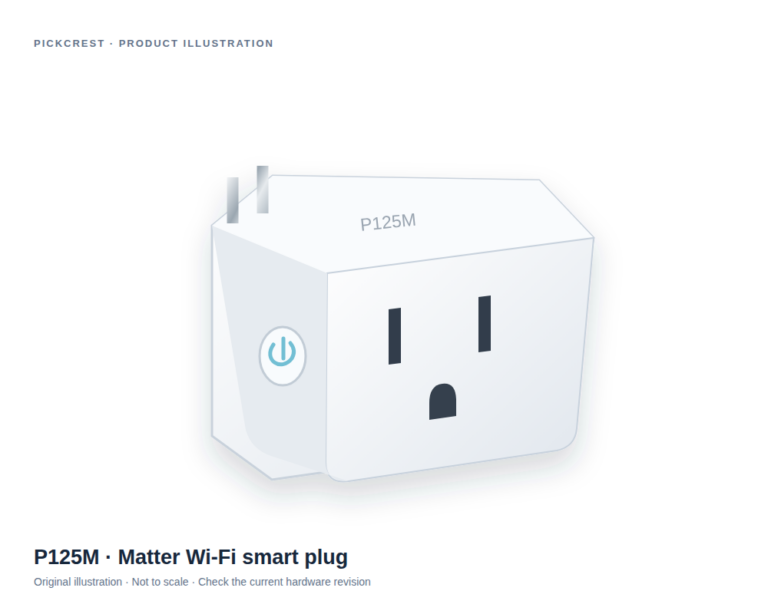
Tapo P125M Matter Wi-Fi Smart Plug
A Matter-enabled Wi-Fi plug for a suitable on/off routine, such as a compatible table lamp. Read the exact network, platform and electrical-use instructions before purchase.
Check on Amazon Paid link. I may earn a commission from qualifying purchases.Describe the routine in plain language
Write down what should happen, who should be able to control it, and what you want to happen when a service is unavailable. This helps separate a useful automation from a feature that sounds impressive but adds little to your day.
Consider other people in the household. A light switch or appliance should still make sense to someone who does not use the same phone or account. Physical controls and clear setup instructions can be as important as app features.
Choose a platform with the exact device in mind
Check the manufacturer’s supported platforms, the model’s regional version, and whether a hub or bridge is required. Compatibility labels are a starting point; read what functions are supported and which additional equipment is needed.
Look at your home network requirements. Some devices have specific wireless setup conditions. Make sure you can complete setup without changing an employer-managed device or sharing an account more widely than intended.
Read subscription and service requirements first
An initial hardware purchase can depend on an ongoing service. Check which functions are available without a paid plan, what happens when a trial ends, and whether a cloud connection is required for your intended routine.
Look for a published support or update policy. Consider whether the device retains basic local functionality if the internet connection fails. A routine that controls something important deserves a more careful fallback plan than a decorative light.
Treat privacy settings as part of setup
Connected devices can introduce new data flows into a home. Use unique credentials, apply available updates, and review the permissions requested by the app. Camera and microphone placement should reflect household expectations.
Expand only after the first routine works
Use the first device long enough to understand setup, reliability, and how other people interact with it. Keep a record of the model, account owner, and any required hub. Add another device when it solves a separate need.
For electrical work or safety-critical equipment, follow applicable instructions and use an appropriately qualified professional where required. This article is shopping guidance, not installation or electrical advice.
Use one documented example
A Matter-enabled smart plug can illustrate the difference between a compatibility label and a complete routine. Read its exact platform, network, and load instructions before pairing it with an appliance. No current price or offer is implied.
A plug can make sense for a suitable lamp with an understandable physical switch. It should not be presented as a dimmer, energy monitor, or outdoor device without exact-model evidence. That distinction keeps the first purchase focused and makes later expansion a separate choice rather than an assumption.
Sources
Based on the manufacturer and primary-source references below, checked November 12, 2026.
Continue with our smarter shopping field guide and explore more smart home guides. Read our editorial policy for sourcing and corrections.