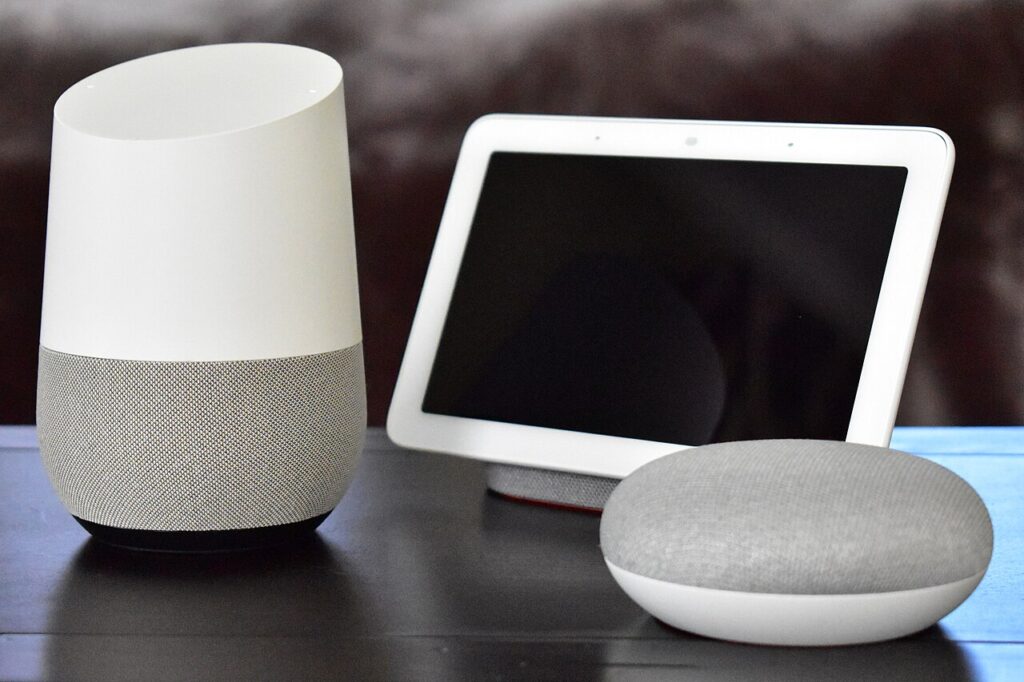

Smart home shopping becomes easier when you separate three questions: which application standard devices share, how they connect to the network, and what equipment controls them. Matter, Wi-Fi, and Thread answer different parts of that puzzle. A purchase can support Matter while using either of the networking approaches relevant to that device. Read the full requirements instead of collecting logos.
Products to consider
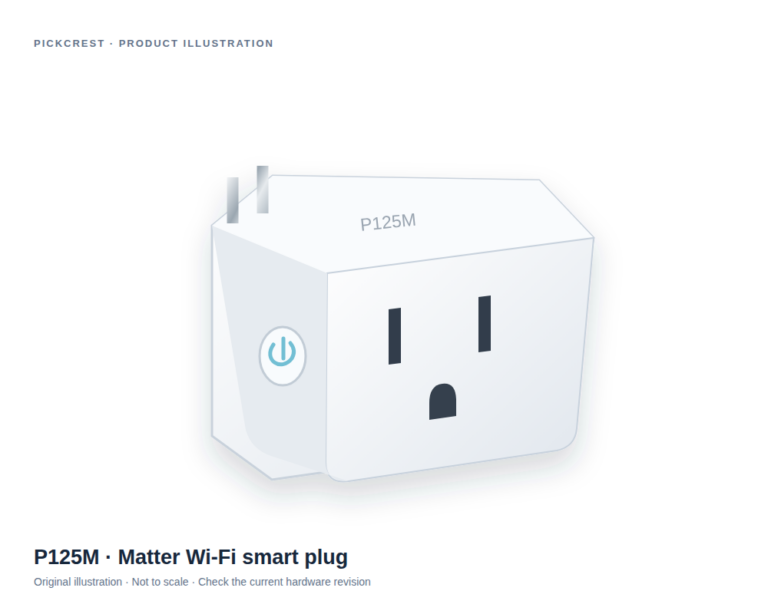
Tapo P125M Matter Wi-Fi Smart Plug
A Matter-enabled Wi-Fi plug for a suitable on/off routine, such as a compatible table lamp. Read the exact network, platform and electrical-use instructions before purchase.
Check on Amazon Paid link. I may earn a commission from qualifying purchases.Start with the function you need
Describe one outcome: turn off a lamp, receive a sensor event, or trigger a lighting routine. List the phone, speaker, hub, or controller you already own. Then check whether the exact accessory and platform support that function together. Basic compatibility and access to every advanced setting are different things.
A simple diagram helps. Put the accessory on one side, your network in the middle, and the intended controller on the other. Add every bridge, hub, or border router mentioned in the manufacturer’s instructions. An omitted support device can change both cost and setup complexity.
Understand Matter’s role
The Connectivity Standards Alliance presents Matter as a standard for interoperable connected devices. That is useful context when comparing ecosystems, but it should not become a promise that every controller exposes every optional feature. Read the exact device type, firmware requirements, and platform support before buying around a specific automation.
Matter branding also does not tell you whether a device has a replaceable battery, requires a subscription for additional services, or offers every function without internet access. Those are separate product questions. Keep them on the shortlist rather than assuming a standard settles them automatically.
Identify the network transport
Wi-Fi and Thread describe different networking approaches. Check which one the actual regional model uses and what your existing home equipment supports. A Thread accessory may require a suitable Thread border router in the intended setup. A Wi-Fi product has its own wireless network and onboarding requirements.
Tapo’s P125M documentation is a practical reminder that a Matter smart plug can use Wi-Fi. Do not buy a Thread accessory based on instructions written for a similar Wi-Fi model, or assume the presence of a smart speaker proves every required networking role is covered.
Check setup and shared control
Read the onboarding steps before ordering. Note the account, phone permissions, setup code, and any supported sharing or multi-admin process. Decide how other household members will operate the device, including someone whose phone is unavailable or who does not want an account.
Physical controls remain useful. A smart light that confuses visitors or a plug that only one person can manage can add friction instead of reducing it. Check what happens after a power interruption and how the device can be reset or transferred when ownership changes.
Build in small, documented steps
Begin with one compatible device and keep its model, firmware, controller, and network requirements together. Add another purchase after understanding the first setup. This makes it easier to identify whether a future problem belongs to the accessory, controller, or network.
This guide explains a purchasing method, not a guarantee of end-to-end interoperability or network reliability. No particular ecosystem is universally best. The right shortlist is the one whose exact requirements match the equipment, controls, and routines your household actually intends to use.
Sources
Based on the manufacturer and primary-source references below, checked November 12, 2026.
Continue with our smarter shopping field guide and explore more smart home guides. Read our editorial policy for sourcing and corrections.