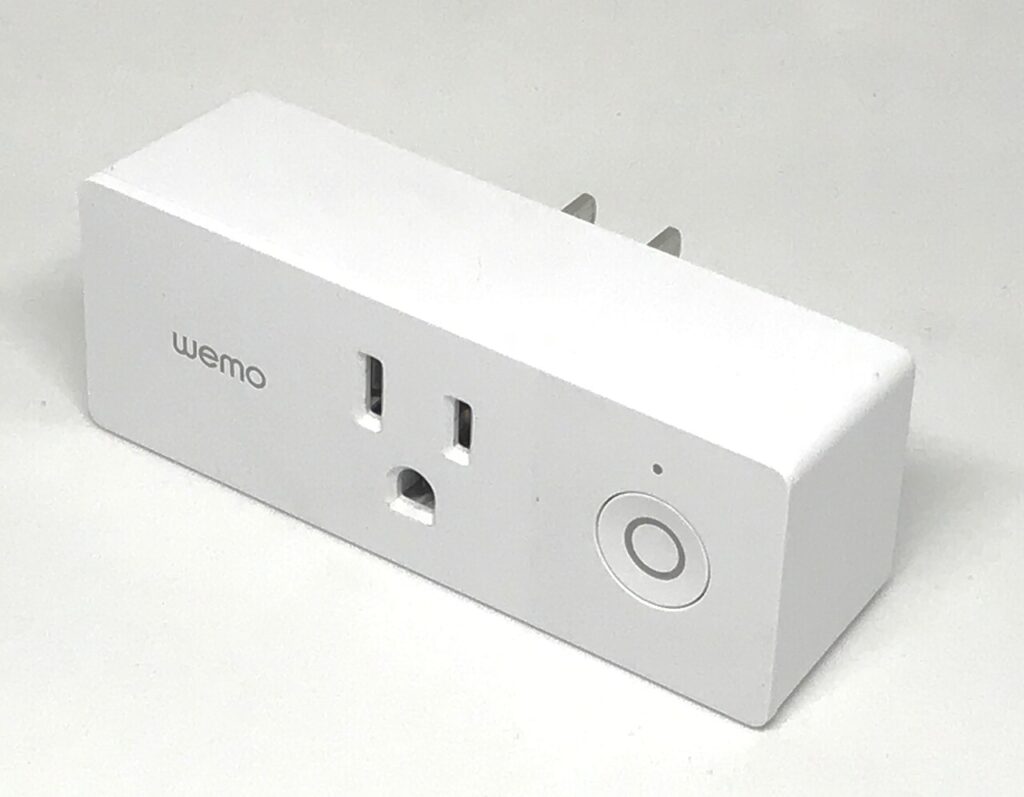

A Matter logo can make a smart plug easier to shortlist, but it does not answer every buying question. You still need to confirm the device’s network requirements, controller support, physical fit, and electrical instructions for the intended load. Start with one ordinary routine, such as controlling a table lamp, and document how the exact plug will handle it.
Products to consider
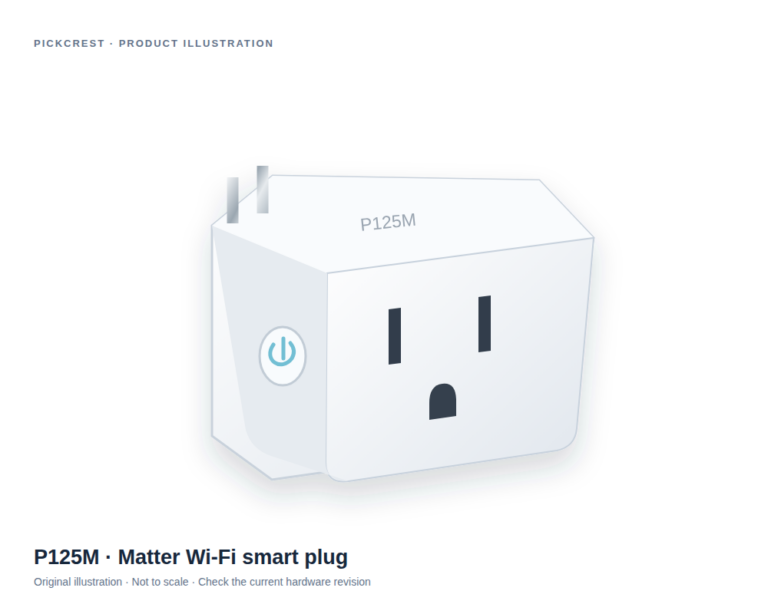
Tapo P125M Matter Wi-Fi Smart Plug
A Matter-enabled Wi-Fi plug for a suitable on/off routine, such as a compatible table lamp. Read the exact network, platform and electrical-use instructions before purchase.
Check on Amazon Paid link. I may earn a commission from qualifying purchases.Identify the routine and fallback
Write down what should switch on or off, who will control it, and how the device should behave when the internet or app is unavailable. A physical button is useful for household members who do not share the same account. Make sure the underlying appliance also suits the intended switching arrangement.
Do not treat a smart plug as a dimmer or a substitute for an appliance’s safety controls. Follow the plug and appliance instructions and their permitted uses. If the routine involves equipment that should not restart unattended, resolve that with the manufacturer before choosing automation.
Check Matter and the network separately
Matter is an interoperability standard, not a statement that every plug uses Thread. Read the exact transport and setup requirements. A Wi-Fi model and a Thread model can require different supporting equipment even when both display Matter branding.
Check the controller or platform you already use and the functions it exposes for that device. A compatibility badge does not guarantee every setting appears identically in every app. If a specific function is essential, look for it in both the device and platform documentation.
Compare socket fit and load instructions
Measure the outlet area and consider adjacent plugs, furniture, and cable direction. A compact product photo is not proof that a plug will clear a large neighboring power adapter. Look for physical dimensions and a view of the actual regional model.
Read the load ratings and installation instructions directly. Electrical limits can depend on load type; a single headline number should not be generalized to every appliance.
Understand the verified example
Tapo’s P125M v1 page describes a Matter-enabled Wi-Fi plug with scheduling and physical control, and it supplies a matching Amazon US purchase link. That reference establishes the model association used by the registry. It does not establish current inventory, seller terms, or an active promotion.
Do not transfer features from neighboring Tapo models. Energy monitoring, dimming, outdoor use, or other capabilities require separate exact-model documentation. The product card includes meaningful limitations so a simple on/off plug is not presented as a complete smart home system.
Plan ownership and expansion
Keep the setup code and account ownership information in an appropriate place. Apply available updates and review device sharing before adding household members. Check the process for resetting or transferring the device before selling it or giving it away.
Use the first plug long enough to learn its controls and network behavior before buying a large pack. A useful smart home purchase is a documented routine that remains understandable to the people who live with it, with physical and account controls that fit the household.
Sources
Based on the manufacturer and primary-source references below, checked November 12, 2026.
Continue with our smarter shopping field guide and explore more smart home guides. Read our editorial policy for sourcing and corrections.