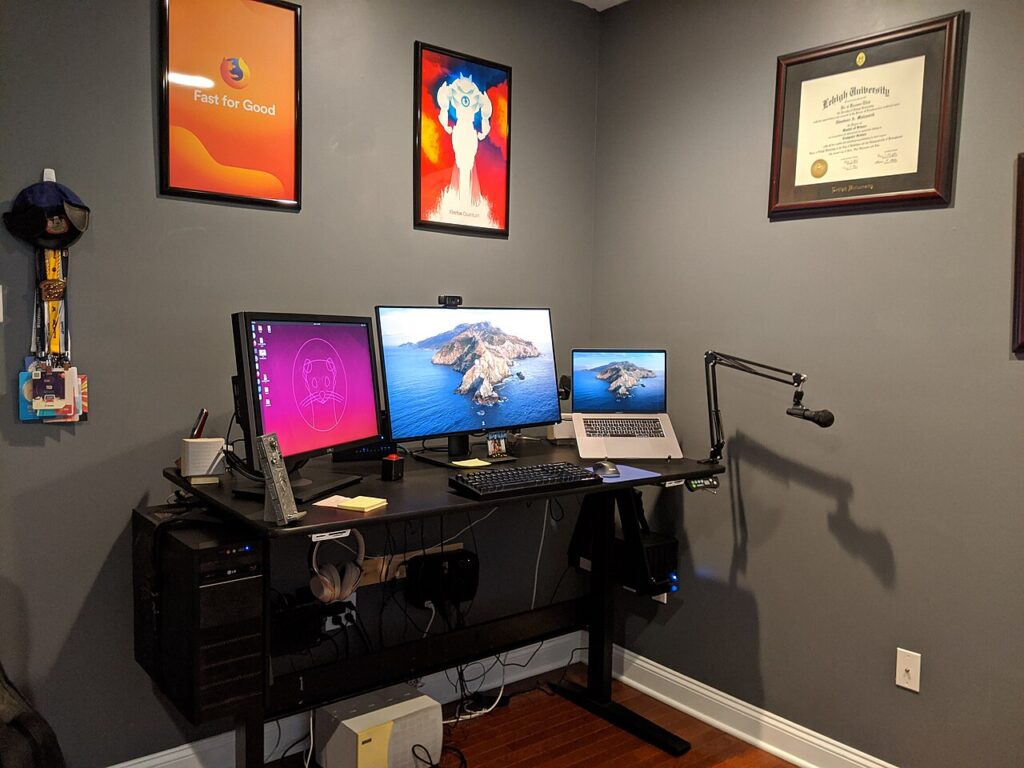

A cleaner desk does not require a matching collection of gadgets. It starts with identifying the small interruptions that happen every day: a charging cable sliding out of reach, a device balanced on paperwork, or a hub that is difficult to reconnect. Choose accessories around those problems, then stop when the setup works.
Products to consider
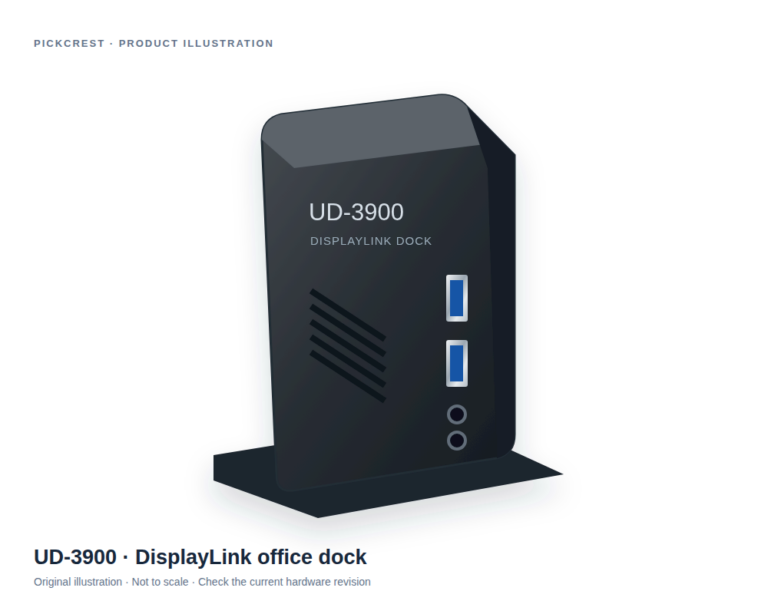
Plugable UD-3900 DisplayLink Office Dock
An office-oriented DisplayLink dock to consider when a documented multi-connection desk setup is needed. Verify your laptop, monitors, software permissions and exact hardware revision first.
Check on Amazon Paid link. I may earn a commission from qualifying purchases.Start with a five-minute desk audit
Remove anything you do not use during a typical work session. Put back your computer, input devices, and the tools you reach for regularly. Notice where cables cross your writing space and where you need to reach awkwardly. A photo can help you compare the layout after a change.
Measure the usable desk surface, including the space behind a display and below shelves. Leave room for hands and forearms rather than filling every open area. An accessory that looks compact in a listing can still crowd a small table.
Cable management: access matters as much as appearance
Reusable ties are useful when you change devices often. Adhesive clips can keep a frequently used connector within reach, but check the surface requirements and removal instructions. Under-desk trays can gather adapters, provided they are mounted securely and do not obstruct ventilation or moving parts.
Keep power adapters and frequently unplugged cables accessible. Avoid tightly bending a cable at a connector. Before buying an organizer, try grouping the cables you already have and moving the power strip to an accessible location.
Choose a hub for a specific port problem
Write down every device you want connected at the same time. Include the display, charger, storage device, and any wired peripherals. Check the computer’s documented support as well as the hub’s specifications; matching connector shapes alone do not establish video or charging compatibility.
A larger dock may reduce repeated connections at a permanent desk. A smaller hub can be easier to carry but may require you to swap devices. Compare the arrangement, cable placement, and power requirements rather than counting ports in isolation.
Stands and input devices should suit your space
A stand can change where a laptop or monitor sits, but check the size and weight limits and consider how you will type. If raising a laptop makes its keyboard awkward to use, a separate keyboard and pointing device may become part of the setup.
Look for stable support and enough clearance for existing cables. A full-size keyboard offers more dedicated keys; a compact layout leaves more space beside it. Neither layout is automatically the better choice for every task.
A short buying checklist
Choose one problem to solve first. Confirm measurements and compatibility. Read mounting and cleaning instructions. Check return terms, especially for comfort-dependent accessories. Try the change for several work sessions before adding another item.
The useful end result is a desk you can use comfortably and keep organized. Coordinated colors are optional; reliable access to the things you need is the priority.
Try one change before another
If cables are the main problem, first group them with a reusable tie you already own and see what remains awkward. If the display occupies the writing area, measure a different arrangement before buying a support. This gives the next purchase a defined task instead of turning desk organization into an endless accessory search.
The advantage of a modular setup is that one component can be moved without replacing everything else. Its limitation is that separate stands, trays, and adapters still need space and compatible mounting. Keep a small diagram of the cable path and note which connections you disconnect daily.
Sources
Based on the manufacturer and primary-source references below, checked November 12, 2026.
Continue with our smarter shopping field guide and explore more tech guides. Read our editorial policy for sourcing and corrections.